Blue Patch on Mobile Screen: What It Means and How to Fix It
A blue patch on your mobile screen is not just a cosmetic annoyance. It is a diagnostic signal pointing to physical or technical damage inside the display assembly. This guide covers everything from what causes blue, purple, and cyan patches to how to diagnose the exact problem and decide between a free software fix or a paid screen replacement.
What Is a Blue Patch on Mobile Screen
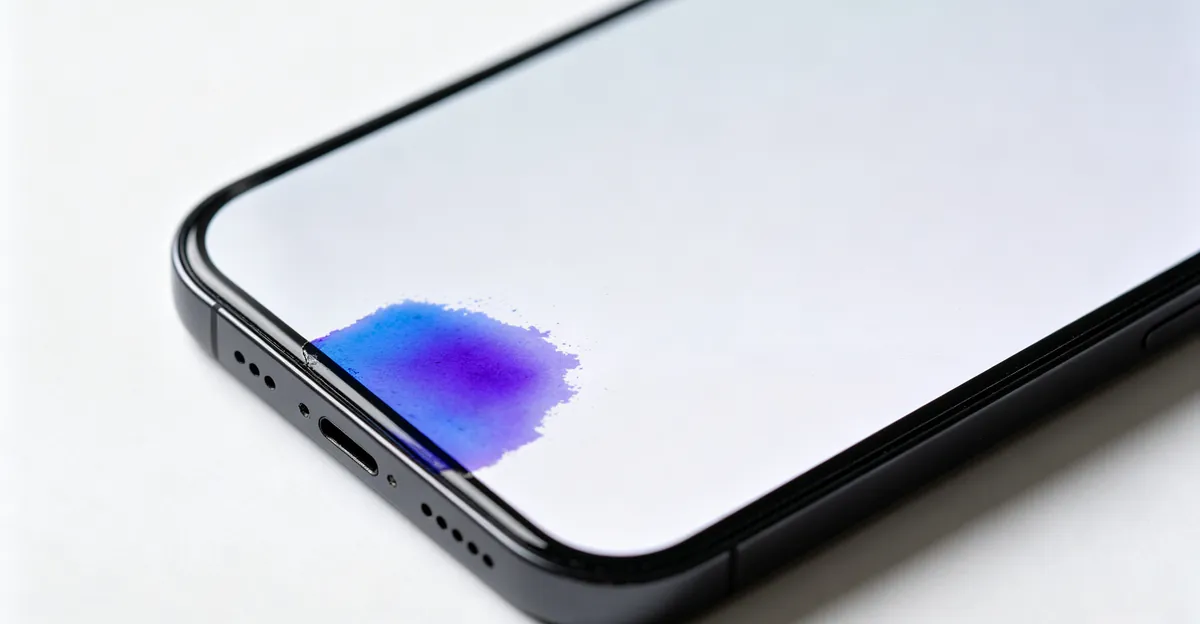
A blue patch on a mobile screen is a localized area of discoloration where the display shows blue, purple, or cyan tones instead of the correct colors. Unlike a blue tint that affects the entire screen, a patch stays contained within a specific boundary and does not respond to color calibration adjustments.
The key difference between a localized blue patch and a full-screen blue tint matters for diagnosis. A patch that appears in one spot and remains there regardless of what you display usually indicates physical damage to the display panel. A blue tint that shifts when you change wallpaper or display settings may point to software or graphics driver issues instead.
According to display diagnostic research, blue patches typically appear after physical trauma to the device, including dropping the phone, sitting on it, exposing it to liquid, or experiencing internal battery swelling. The damage affects the liquid crystal display layer, the backlight system, or the polarizer film in that specific area. The result is a patch with clearly defined edges that remains visible through factory resets and software updates.
Common characteristics of blue patches include consistent color regardless of screen content, persistence through software resets, no response to color calibration adjustments, and in some cases, gradual spreading over days or weeks after the initial damage.
What Causes Blue Patches on Mobile Screens
Physical Impact and Pressure Damage
The most common cause of blue patches is physical trauma to the display. Dropping your phone onto a hard surface creates pressure on the LCD or OLED panel, damaging the sub-pixels in that specific area. This type of damage appears immediately after impact and is irreversible through software means.
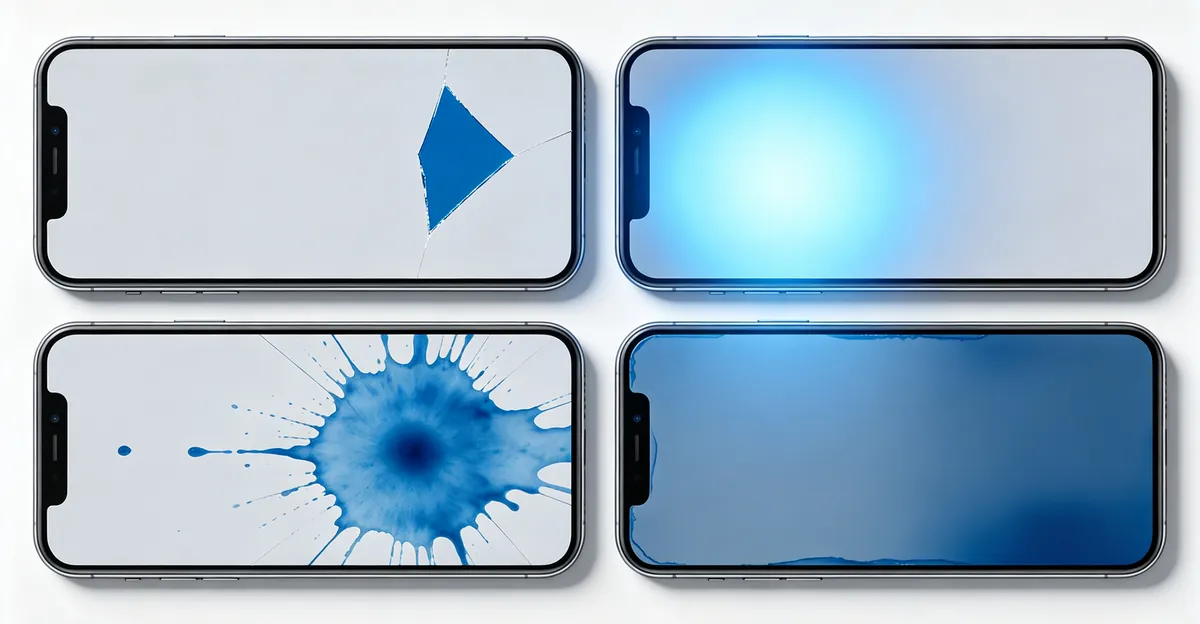
Pressure damage patches typically have sharp, clearly defined edges and may be accompanied by small cracks in the glass. The patch often shows blue, purple, or dark colors because the damaged pixels cannot display the correct combination of red, green, and blue light. In OLED displays, this damage manifests as layer separation, sometimes called "OLED rot," where the internal screen layers begin to separate like spilled ink.
Backlight System Malfunction
LCD screens use a backlight system with blue LEDs to create white light. If a backlight component fails or becomes damaged, it can cause blue-tinted areas on the display. This type of issue may develop gradually and is more common in devices older than two years.
Backlight-related blue patches often appear brighter than surrounding areas because the blue component overpowers the other color channels. In severe cases, you may see bright blue streaks or spots that intensify at higher brightness settings.
Liquid Exposure
Water or other liquids that seep into the screen assembly can corrode electrical contacts and damage the color filter layer. This creates patches of discoloration that may appear blue, purple, or cyan. Liquid damage patches often spread over time as moisture continues to affect more of the display.
Battery Bloat Pressing Against the Display
For devices that are three to four years old, a blue patch may be caused by an aging, swollen battery pushing against the display panel from inside the device. Unlike the rapid spreading of physical layer damage, a battery-bloat blue patch usually appears as a static blue shadow or smudge that does not change over time.
The phone case may bulge slightly or the screen may lift from the frame in severe cases. This is a hardware emergency because swollen lithium-ion batteries pose a fire risk.
Manufacturing Defects and Assembly Issues
In rare cases, blue patches result from manufacturing defects in the display panel. These defects may not appear until months or years after purchase and are typically covered under warranty.
Assembly-related blue patches appear after third-party repairs. If a repair technician installed a screen or battery incorrectly, internal components may press against the display in ways that create blue patches. Loose screws, elevated battery positioning, or misaligned display connectors can all cause pressure spots that look identical to physical impact damage.
LCD vs OLED - Why the Difference Matters
The type of display technology in your phone determines how blue patches appear and how they should be diagnosed. Understanding the difference helps you interpret symptoms more accurately.
LCD (Liquid Crystal Display) screens use a shared backlight behind the panel. All pixels depend on this single light source, so LCD problems often appear as uneven lighting, cloudy patches, pressure marks, or bleeding around the edges. A blue patch on an LCD screen usually indicates damage to the backlight layers, diffuser sheets, or polarizer film beneath the glass.
OLED (Organic Light Emitting Diode) screens work differently. Each pixel produces its own light, so there is no shared backlight. This means OLED screens are more likely to show dead pixels, stuck pixels, color tinting, image retention, or burn-in. A blue patch on an OLED screen usually indicates layer separation or pixel-level damage in the display assembly.
Research from display diagnostic experts confirms that LCD screens are more likely to show backlight bleeding, pressure marks, and bright patches, while OLED screens are more likely to suffer from dead pixels, stuck pixels, color shifts, and layer separation that spreads like ink.
| Display Type | Common Blue Patch Appearance | Typical Cause |
|---|---|---|
| LCD | Cloudy or bright blue area | Backlight damage, diffuser pressure |
| OLED | Sharp-edged blue or purple blotch | Layer separation, pixel failure |
| Both | Static blue shadow | Battery bloat, assembly pressure |
| Both | Spreading blue ink-like patch | Physical impact or liquid damage |
How to Diagnose a Blue Patch
A systematic diagnosis helps determine whether the blue patch requires professional repair or can be addressed through software troubleshooting. Follow these steps in order.
Step 1: Test With Solid Color Screens
Display pure white, pure black, and solid color screens using a color test app or website. Many free online tools provide full-screen color tests. Each color reveals different types of defects.
A black screen is best for finding LCD backlight bleeding and OLED glow issues. A white screen reveals dark dead pixels, dust marks, and pressure points. Red, green, and blue screens help identify stuck subpixels or color-specific defects. Gray screens show uniformity problems, tinting, and cloudy areas.
Step 2: Change the Brightness Level
Repeat the solid color tests at low, medium, and maximum brightness. LCD backlight bleeding usually becomes more obvious at high brightness. OLED burn-in or tinting may appear at certain brightness levels and disappear at others. If the patch changes dramatically with brightness, the issue is more likely related to lighting uniformity rather than surface damage.
Step 3: Take a Screenshot
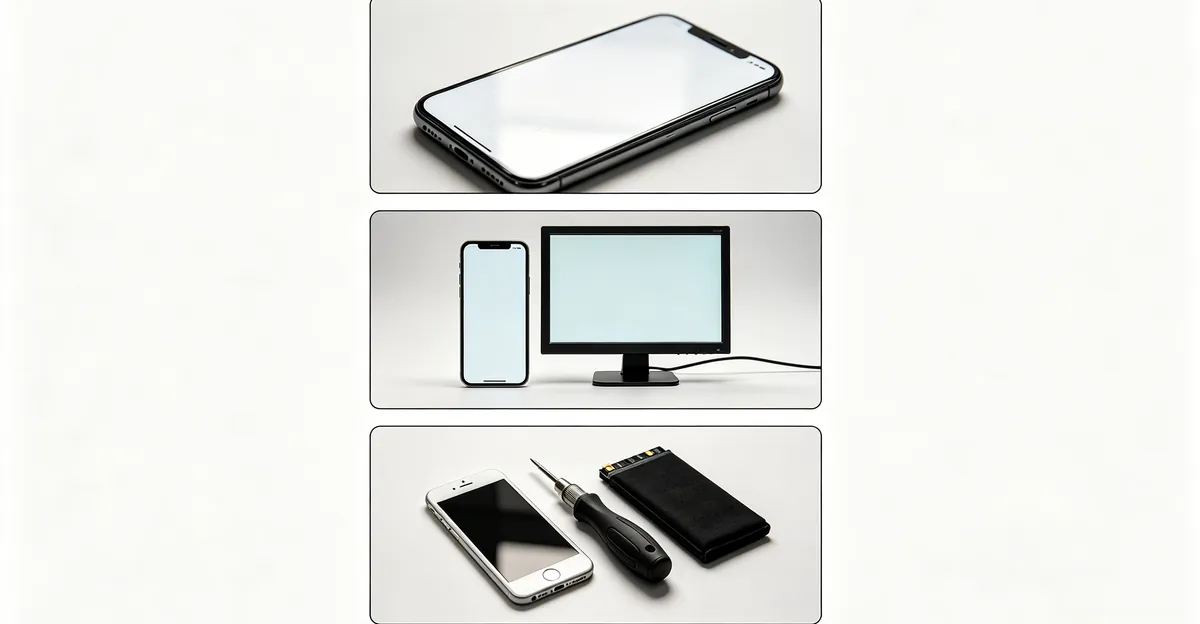
Take a screenshot of the screen showing the blue patch. View the screenshot on a different device or external monitor. If the patch appears in the screenshot, the problem is software or image-based. If the patch does not appear in the screenshot, the issue is in the phone screen hardware itself.
Step 4: Monitor for Spreading
Check whether the patch changes location or size over several days. A patch that stays in exactly the same physical position regardless of what is displayed is more likely hardware-related. A patch that grows or changes shape over days suggests progressive damage from liquid exposure or OLED layer separation.
Research from the mobile repair community documents cases where blue patches consumed the entire display within one to two weeks of the initial damage. Back up your data immediately if you notice spreading.
Step 5: Check for Touch Problems
Display damage becomes more serious when it affects touch response. If you notice missed taps, ghost touches, delayed swipes, or dead touch zones alongside the blue patch, the screen assembly may need full replacement.
Step 6: Rule Out Software Causes
If the blue patch appeared immediately after a system update, try a force restart before seeking hardware repair. Toggle off True Tone and Night Shift in display settings. Check for accessibility color filters that may be active. Uninstall any recently installed apps that may cause rendering conflicts.
If the patch persists after these software steps, the issue is physical hardware damage.
How to Fix a Blue Patch
Software Fixes
Before paying for hardware repairs, rule out software causes. Software-related blue patches can sometimes be resolved at no cost.
A force restart clears active memory and halts crashing background processes that may cause display rendering errors. On most phones, hold the power button and volume down for 10-15 seconds to force a restart.
Toggle off True Tone and Night Shift in Settings to rule out adaptive display features that may lock the screen into an overly cool color temperature. Disable any accessibility color filters that may be active.
If a blue patch appeared after a system update, check for a subsequent patch or update that may address display driver bugs. Updating to the latest OS version can resolve rendering conflicts introduced by the previous update.
For persistent software rendering issues, a deep OS repair using a trusted system repair tool can refresh core system files without deleting personal data. This should be treated as your final diagnostic test before committing to hardware repair costs.
Hardware Fixes
Physical blue patches cannot be fixed with software. The repair options depend on the cause.
Battery-bloat blue patches may disappear after the swollen battery is safely removed and replaced. This is typically cheaper than screen replacement. A swollen battery should be handled by a professional repair technician because puncturing a lithium-ion battery can cause an explosion.
Assembly-related blue patches from loose screws or elevated components inside the device can sometimes be resolved by reopening the phone and correctly reseating the display assembly. This requires technical skill but costs nothing beyond labor if you perform the repair yourself.
For pressure damage, backlight failure, or OLED layer separation, screen replacement is the only permanent solution.
When Hardware Repair Is Needed
Seek professional repair when the blue patch appeared immediately after physical trauma, the patch is spreading over time, there are visible cracks in the screen glass, the phone case is bulging or the screen is lifting from the frame, touch response is affected, or liquid exposure is suspected.
| Repair Option | Cost Range | Pros | Cons |
|---|---|---|---|
| Manufacturer service center | $100-400 | Quality parts, warranty, proper installation | Most expensive, may take longer |
| Authorized third-party repair | $50-150 | Faster service, professional diagnosis | Parts quality varies |
| DIY repair kit | $30-100 | Cheapest option | Technical skill required, voids warranty |
| Battery replacement only | $40-100 | Fixes bloat-related patches at lower cost | Only works if battery is the cause |
If your phone is under warranty, contact the manufacturer before seeking third-party repair. Unauthorized repairs may void your warranty. Document when the issue first appeared with photos and color test results.
Blue Patch vs Other Color Issues
Other screen discoloration issues can look similar to blue patches but indicate different underlying problems. Knowing the difference helps you describe symptoms accurately when seeking repair.
White spots on LCD screens usually indicate dead pixels, diffuser damage, or pressure marks on the backlight layers. Unlike blue patches, white spots are most visible on dark backgrounds. Yellow or brown spots on both LCD and OLED screens typically indicate burn-in or pixel aging from prolonged display of static images. Pink or red tinting on screen edges usually points to liquid damage that has corroded the color filter layers. Green patches are less common but may indicate specific backlight or driver issues on certain phone models.
Each type of discoloration has a different prognosis. White spots from dead pixels are irreversible. Yellow burn-in can be reduced but not fully reversed. Liquid damage patches typically spread and worsen over time. Blue patches from physical impact are the most common and most likely to require screen replacement.
Prevention Tips
Most blue patches are preventable with basic care habits.
Use a protective case with shock absorption and reinforced corners. Raised edges around the screen provide additional protection against direct impact. Replace cases that show signs of wear or reduced shock absorption.
Avoid placing your phone in situations where it can be sat upon, squeezed in a tight pocket, or pressed by heavy objects. Use both hands when carrying the phone in situations where drops are likely.
Monitor devices older than three years for signs of battery swelling. A bulging case, screen lifting from the frame, or sudden appearance of a static blue smudge are all warning signs. Stop charging the device immediately if battery swelling is suspected and have the battery replaced by a professional.
Apply a quality tempered glass screen protector. A screen protector with silicone adhesive can fill in microscopic wear on the glass surface and provide an additional layer of defense against minor impacts and scratches.
Keep your phone away from moisture. Avoid using your phone near sinks, pools, or in humid environments. Dry your hands before using your phone if they are wet.
When to Stop Using Your Phone
Certain situations call for immediate action beyond normal precautions. If a blue patch appears suddenly without any obvious cause such as a drop or water exposure, treat it as a potential battery emergency. In this scenario, power off the device immediately and do not attempt to charge it. Place the phone on a non-flammable surface and seek professional inspection within 24 hours. If you notice a smell of gas or heat coming from the device, evacuate the area and contact emergency services. [INSERT DATA: Battery swelling emergency protocol for your specific device model]
For devices showing a spreading blue patch from physical damage, stop using the phone for non-essential tasks once the patch covers more than 20 percent of the visible display area. The spreading behavior indicates ongoing internal separation of display layers, which can cause intermittent touch response or complete screen failure without warning. Back up your data daily and prioritize repair or replacement within one week.
Related Guides
- White Spot on Screen: General guide to white spots and discoloration on any screen type
- Mobile White Spots: Specific guide to white spots appearing on phone and tablet screens
- Yellow Spot on Mobile Screen: Related color issue guide
- Screen Test Tool: Free online tool to diagnose screen color issues
Conclusion
A blue patch on your mobile screen usually indicates physical damage to the display panel that cannot be fixed through software adjustments. The most common causes are pressure damage from dropping, backlight malfunction, liquid exposure, battery bloat, or assembly issues. Diagnosis involves solid color testing, brightness adjustments, screenshot comparison, and monitoring for spreading. Software fixes work only for rendering crashes and display glitches. Physical damage requires screen replacement or, in battery-bloat cases, battery replacement. Prevention through protective cases, careful handling, and battery monitoring remains the best approach. Use our screen test tool to document and track any color issues on your device.